
How to Make Tiny Desk AI Video With Up to Four Friends
Lead vocals
Required
Sax
Not in Lite
Keys
Not in Lite
Backing left
Not in Lite
Backing right
Not in Lite
Tap a face to upload the person who replaces them. Spots you leave empty keep the original performer.
A failed render costs you nothing.
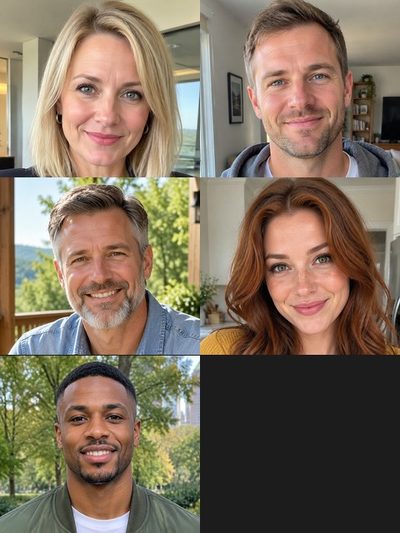
Add a photo, pick a length, then press Generate.
One render per version
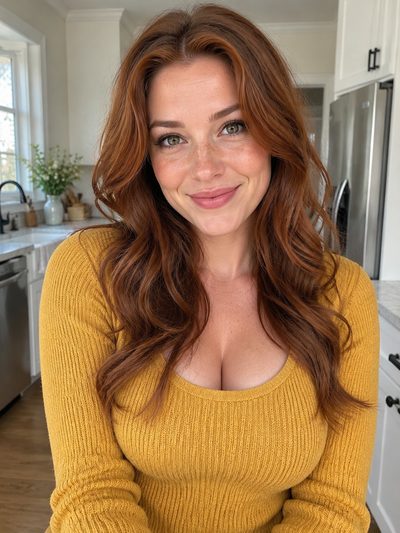
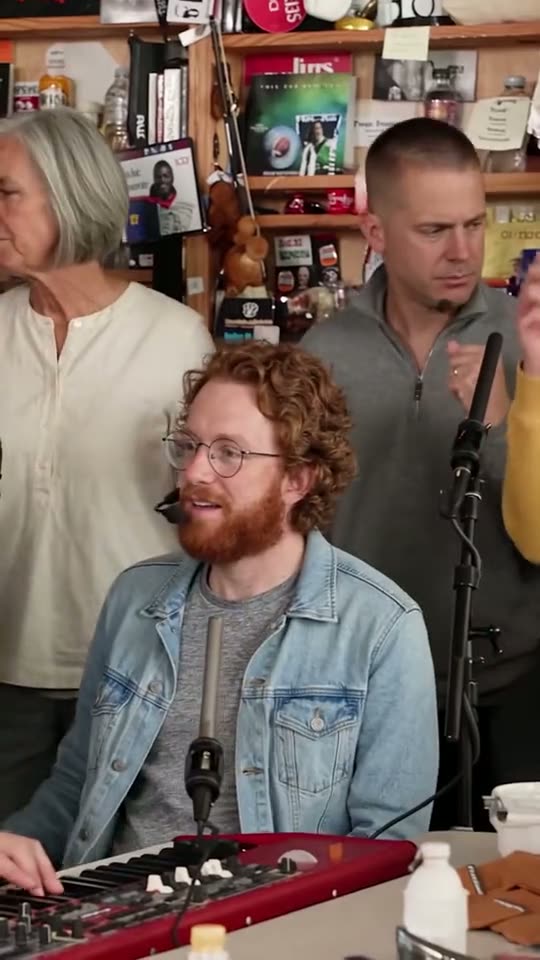
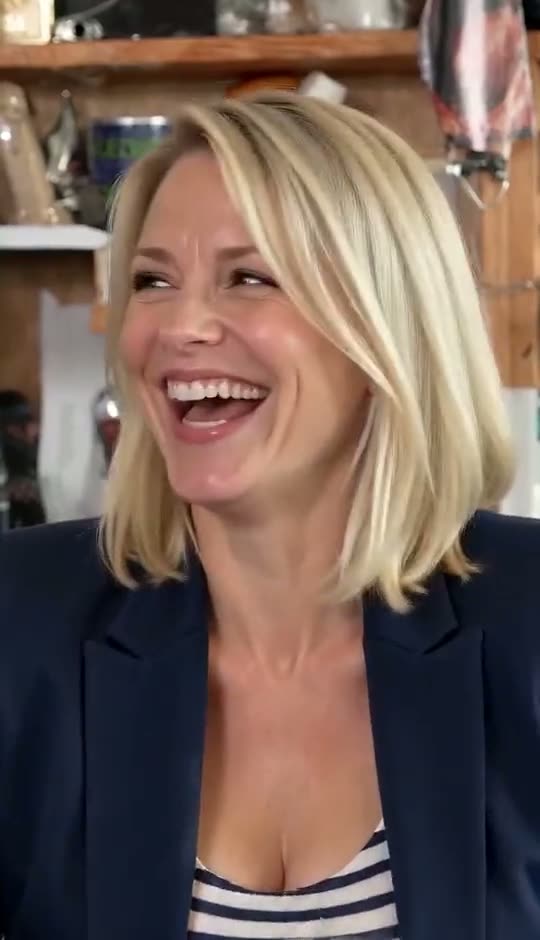
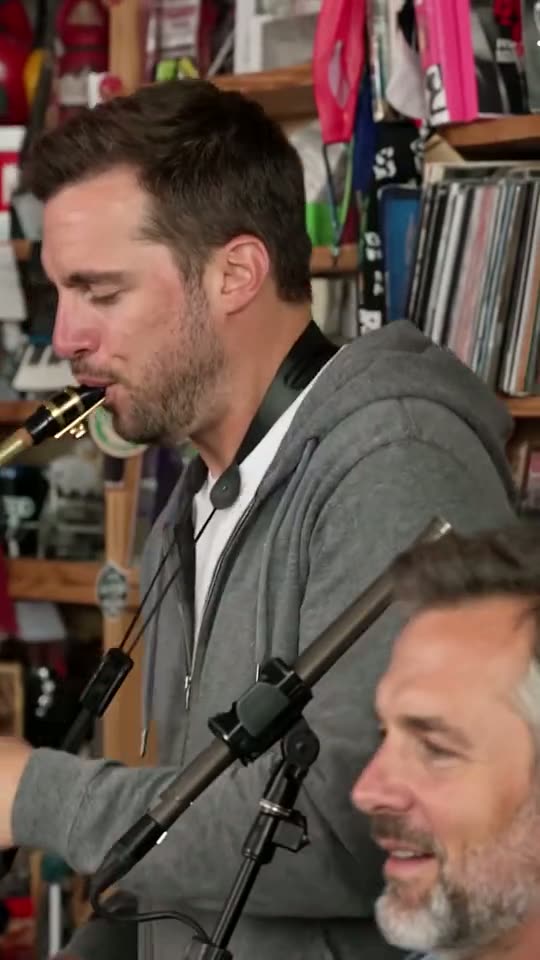
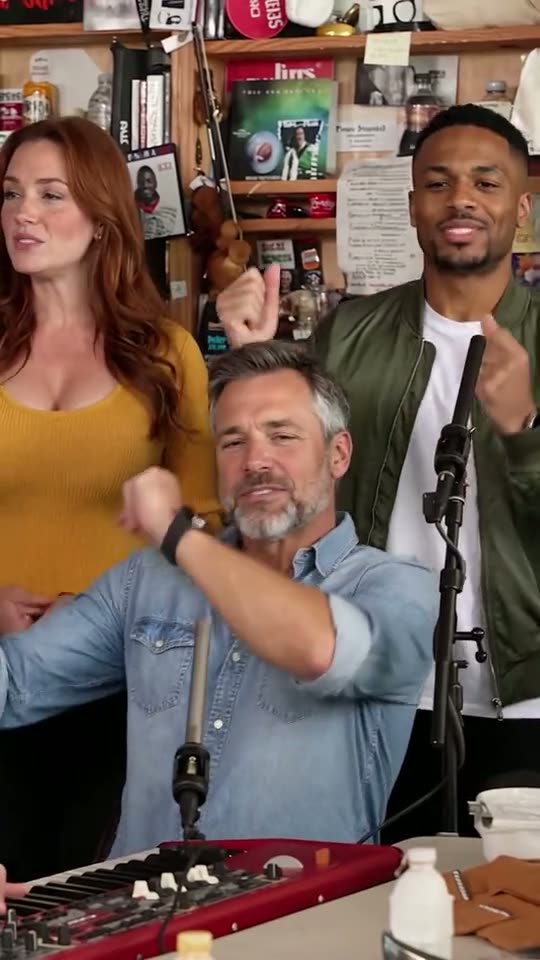
Real renders from AI-generated test portraits. Tap one for sound.
Standard · 10 seconds
All five seats recast, band shot to sax solo

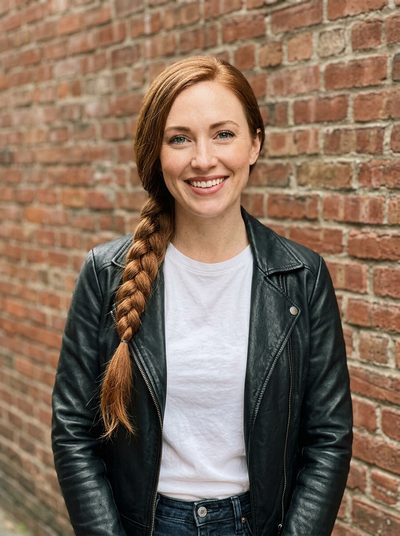
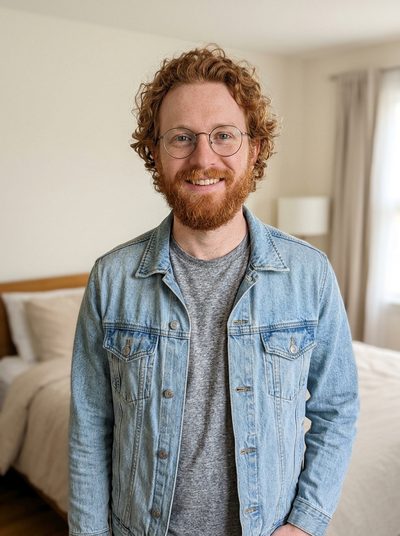

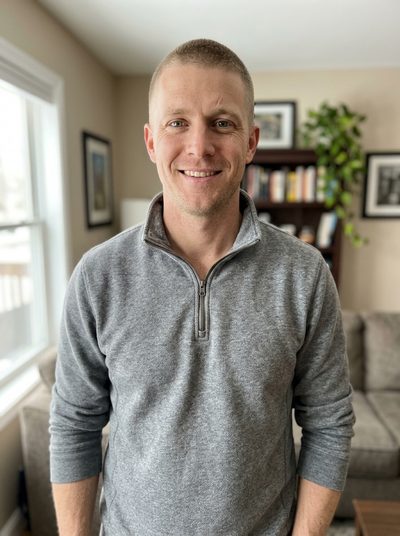
Lite · 4 seconds
Lead only: the turn, the word, the laugh

Full · 19 seconds
The whole viral cut with five new faces



Outstanding tiny desk AI tutorial: what to have ready
Before learning how to make tiny desk AI video, gather the photos: they decide more about the result than any button. This outstanding tiny desk AI tutorial follows the generator top to bottom; samples and the full cast are on the tiny desk AI home page.
- A photo for lead vocalsThe only seat you must fill. The lead sings in profile at the start and returns for the laughing close-up, so pick the friend whose face should carry the joke.
- Up to four more photosSax, keys and two backing singers take one picture each. An empty seat keeps the original musician, so the band is never short.
- Credits for your versionA new account gets 20 credits, enough for one Lite video; the tiny desk AI free page explains what that covers. Standard and Full need more.
Where each photo shows up in the clip
Knowing where each seat appears helps you cast it. The Outstanding Tiny Desk page goes through the clip cut by cut.
Keys and backing vocals: the band shot
Keys sits up front, both backing singers stand behind. Standard catches the end of this shot; Full shows it near the start and again at the finish.
Keys again: the corner of the sax solo
During the sax solo, the keyboard player returns blurred in the lower corner. One photo covers both appearances.
Lead vocals: the laughing close-up
The lead fills the frame, turns, sings "Outstanding" and laughs: the shot people replay, and the only one in Lite.
How to make tiny desk AI video in three steps
Nothing to install or type; it all happens in the generator above. Credits per version are listed under Tinydesk AI pricing.
1. Fill the seats
Tap a face in the band to see who you replace, then add the photo of the person taking that spot. Lead vocals first; the other four are optional.
2. Pick a version, then Generate
Lite is the 4-second close-up with the lead alone, in 480p. Standard runs 10 seconds and Full all 19, both in 720p with everyone you added.
3. Download and post
Save the vertical MP4, which already carries the band's sound. Switch on the AI-generated label when you upload it to TikTok, Reels or Shorts.
Photo check
Photos that work, and photos that don't
Each seat copies one picture, so check every photo against these first.
Good picks

Eyes on the lens
Both eyes open and in focus.
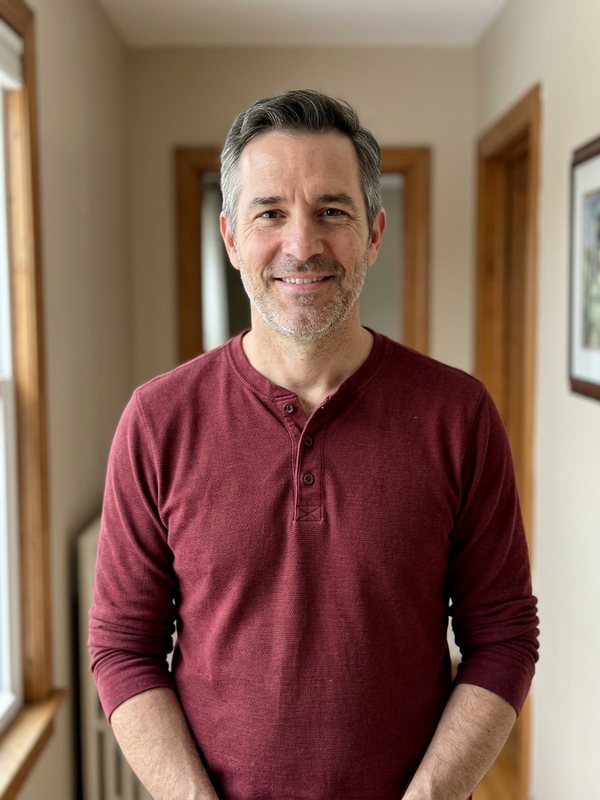
Soft, even light
Front daylight keeps skin tone true.
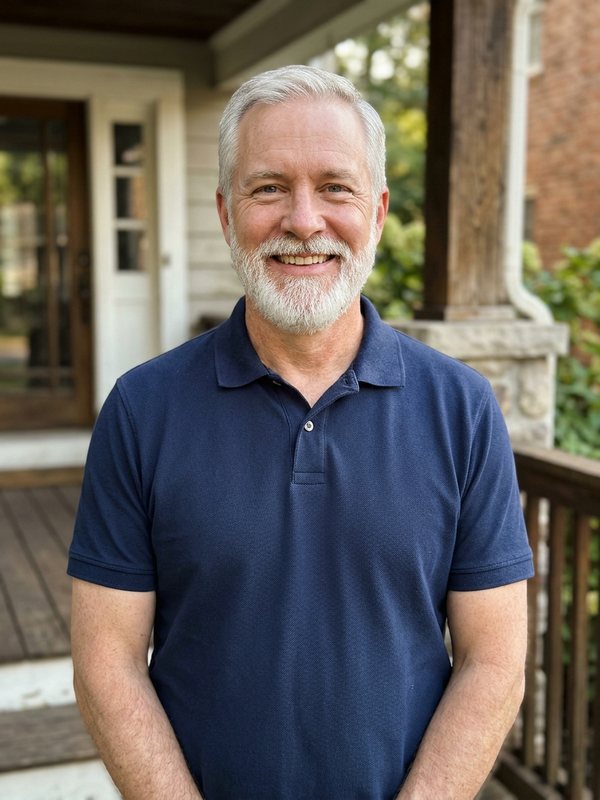
Waist-up framing
Shows an outfit to copy.
Skip these
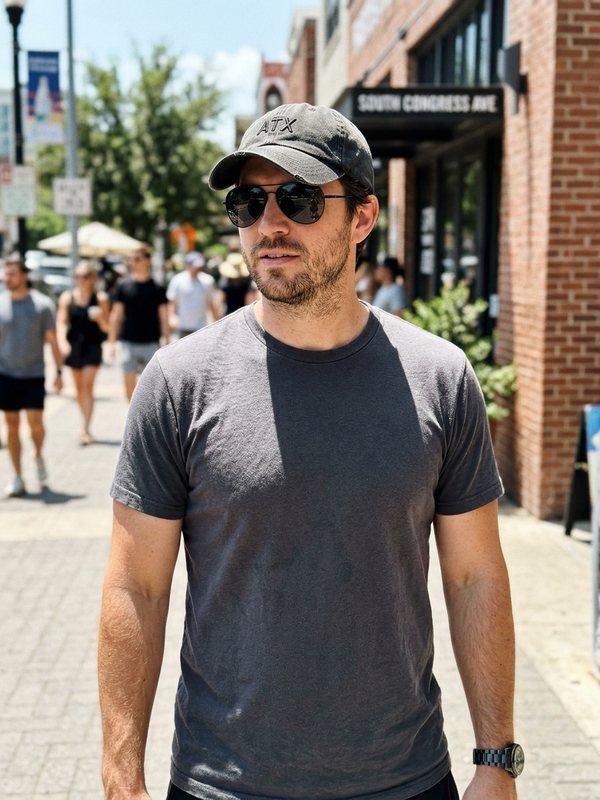
Shades over the eyes
The AI has to invent the eyes, and they rarely match.
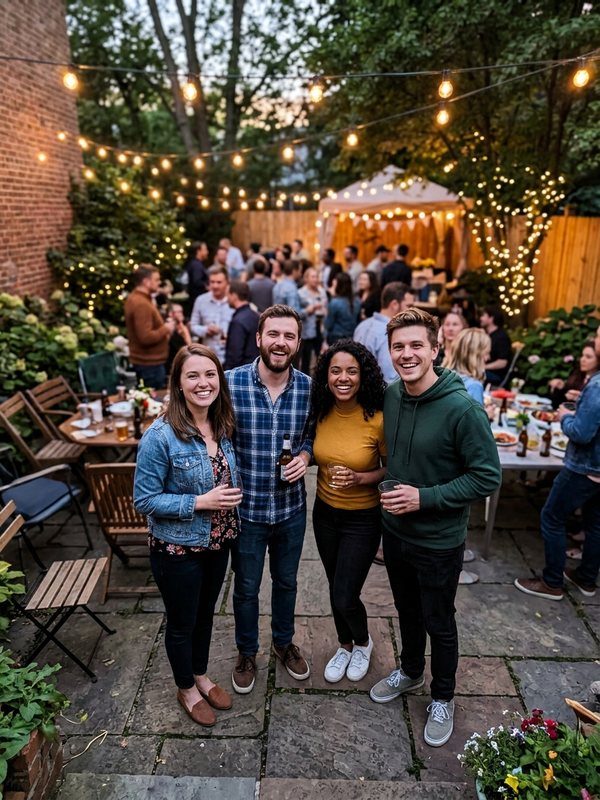
More than one face
One seat, one person: a group shot leaves the AI guessing.
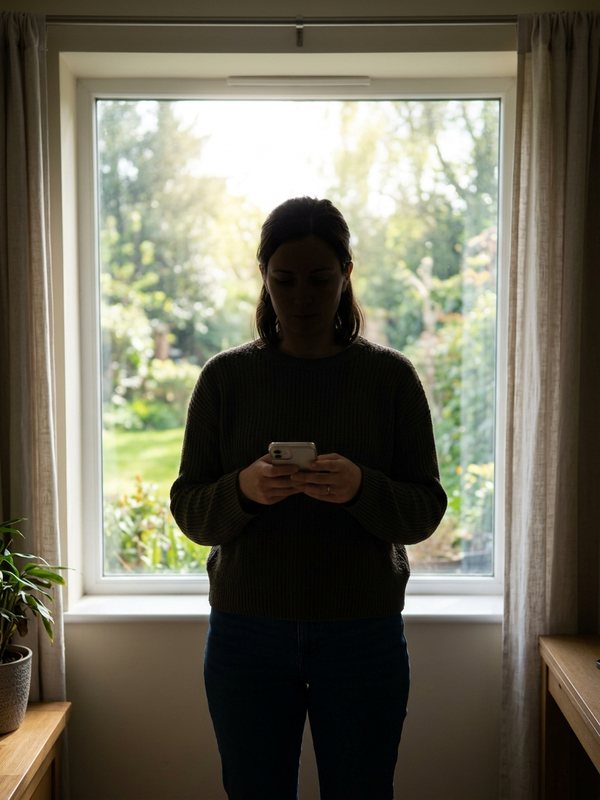
A window behind
Strong light from behind sinks the face into shadow.
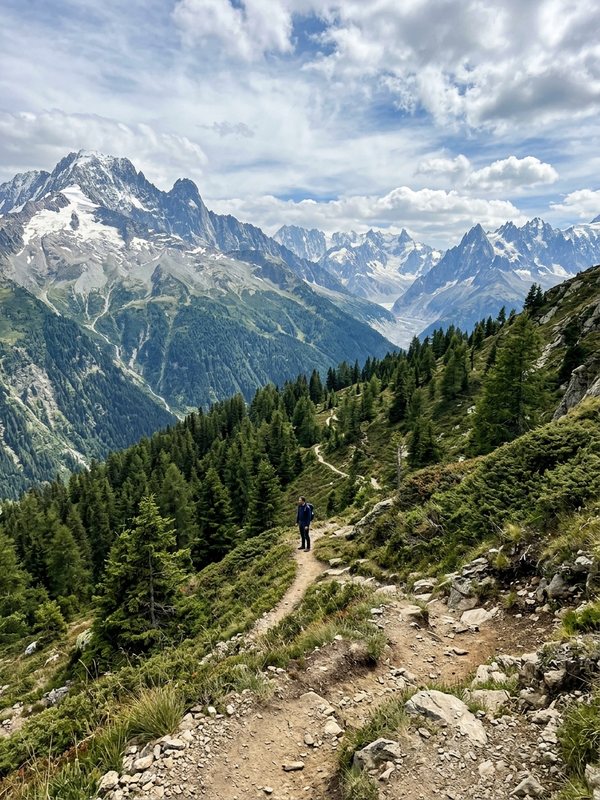
A tiny figure
A face a few pixels wide leaves nothing to copy.
When the result looks off: six fixes
Most problems trace back to one photo, so change that first. Each retry is a new render and uses credits.
The lead doesn't look like the photo
Judge the close-up, where the face is largest. If it drifts, retake the picture facing a window, phone at eye level.
One friend looks wrong in the band
Band faces are small, so a soft photo shows there first. Replace only that friend's picture.
Clothes or hair came out different
A tight head shot has no outfit to copy. Use a waist-up picture.
Test the lead photo cheaply
Lite uses only the lead photo and the fewest credits: a quick check before a Standard or Full render.
The render failed or was filtered
Nothing is charged; the credits return to your balance. Check each photo shows one adult with a clear face, then retry.
Fewer friends than seats
Leave spare seats empty and the original musicians play them. Two or three new faces still read as your crew.
How to make Outstanding Tiny Desk clips: four routes compared
The post that started the trend calls itself an AI parody but names no software, so people try several routes. What a ready-made tiny desk AI template means here has its own page.
| Tinydesk AIphotos in, video out | Motion-transfer appanimates a still | Video editorswaps by hand | CapCut-style templatemade by its creator | |
|---|---|---|---|---|
| What you upload | One photo per person, up to five | A photo plus a driving video | The footage plus your own shots | Whatever the template asks for |
| The band's sound | In every video | Often added afterwards | Added by you | Depends on the template |
| Several people | Up to five in one render | Often one per run | One face at a time, shot by shot | Depends on the template |
How to make tiny desk AI video: your questions
How to make tiny desk AI video on a phone?
Open this page in any mobile browser and pick photos from your camera roll. Tap a seat, add a picture, choose a version and press Generate. Save the finished MP4: it is already vertical with sound, ready for TikTok, Reels or Shorts.
How to make tiny desk AI video with my friends?
Give each friend a seat (sax, keys, backing vocals left or right) and the lead to whoever should get the close-up. Add one photo per person, up to five, then choose Standard or Full; Lite shows the lead alone. Everyone must be an adult who agreed.
Which version should I make first?
Lite, to test the lead's photo or try it free. Standard suits most posts with friends: 10 seconds from the end of the band shot through the close-up into the sax solo. Full gives all 19 seconds, opening profile to final band shot.
Can one group photo fill several seats?
No. Each seat needs its own photo of one person. A group picture gives the AI several faces and no way to know which you meant, so it may pick the wrong one or blend two. Crop one face out only if it stays sharp.
Do I get my credits back if I don't like the result?
Not for a finished video: once a render completes, its credits are spent. A render that fails or is filtered is different. It is never charged, and the credits return to your balance automatically, so you can swap in a better photo and try again.
What tool did the original Tiny Desk AI clip use?
Its caption does not say. The 19-second TikTok posted on 18 October 2026, "College Football's Week 8 All-Loss Tiny Desk Concert", calls itself an AI parody and credits the Tiny Desk video and The Gap Band's song. It starred five coaches whose teams lost the same Saturday; the tiny desk meme page covers what followed.
Is Tinydesk AI connected to NPR or Charlie Wilson?
No. Tinydesk AI is an independent fan-made tool, not affiliated with NPR, Tiny Desk Concerts, Charlie Wilson or The Gap Band. It edits a short stretch of the viral AI clip so you and your friends can join in. The full June 2023 concert is on NPR Music.
Cast the band, then press Generate
Begin with a Lite close-up of your lead, or fill all five seats for Standard or Full.