
Tiny Desk AI Template for Your Own Outstanding AI Video
Lead vocals
Required
Sax
Not in Lite
Keys
Not in Lite
Backing left
Not in Lite
Backing right
Not in Lite
Tap a face to upload the person who replaces them. Spots you leave empty keep the original performer.
A failed render costs you nothing.
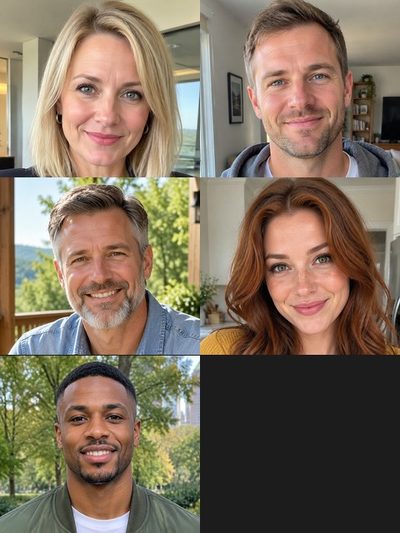
Add a photo, pick a length, then press Generate.
One set, different casts
The viral edit, then renders of this template made from AI-generated test portraits. Tap a card for sound and the photos used.
The viral edit
The clip as posted, for comparison
Standard, all five seats
10 seconds, five new faces
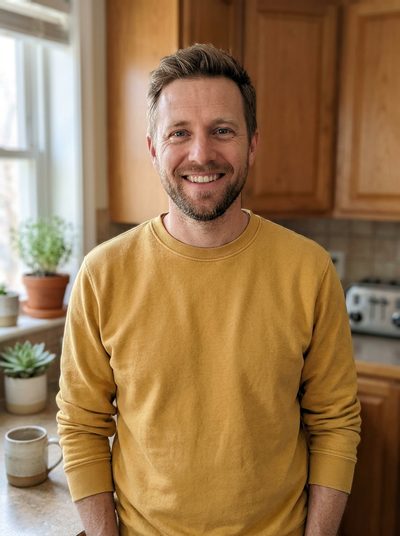
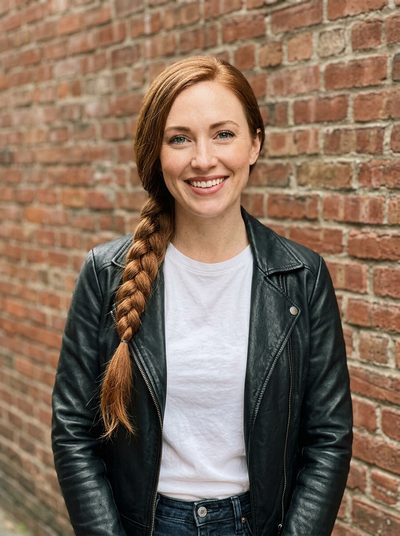
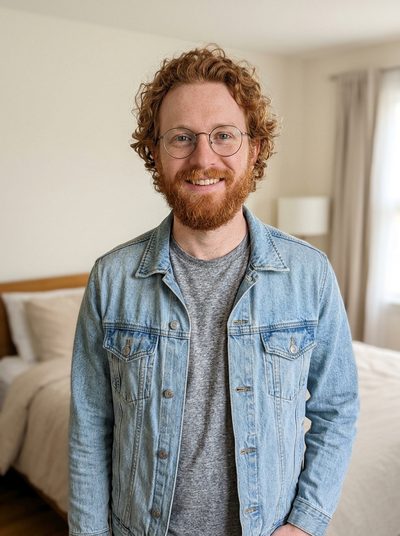
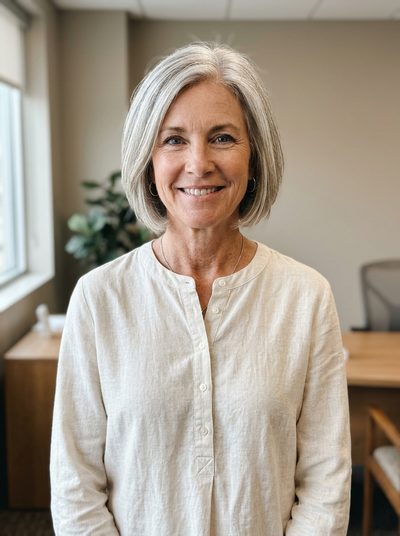
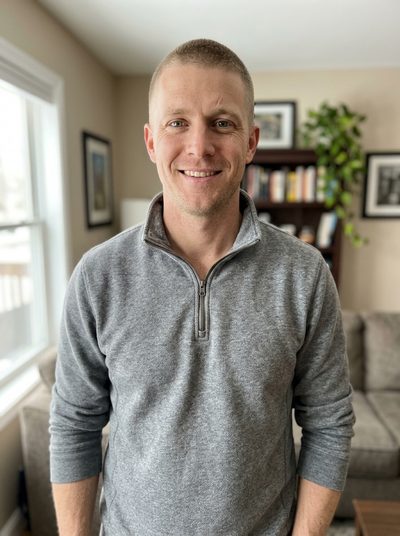
Full, the whole 19 seconds
Opening profile to final band shot
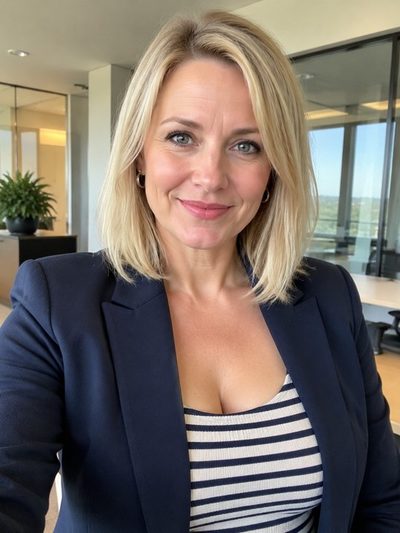
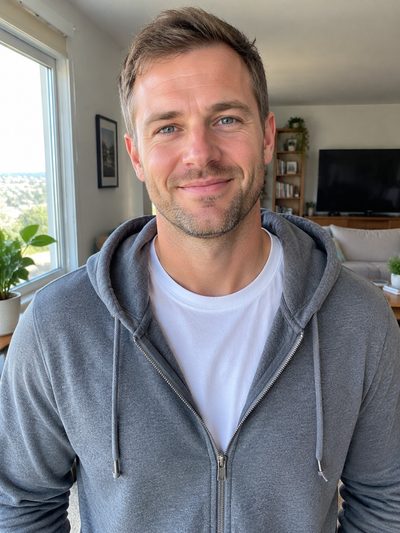
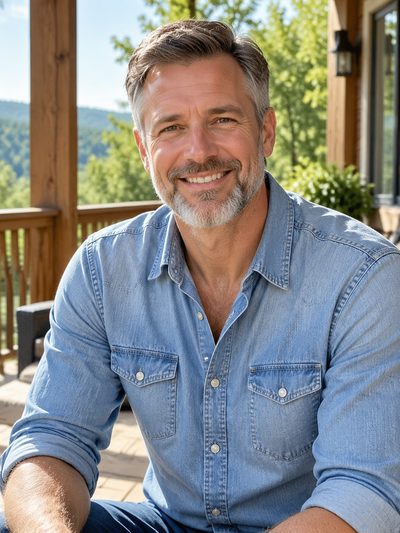
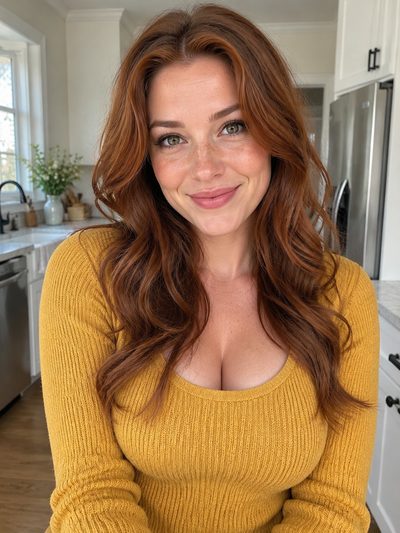
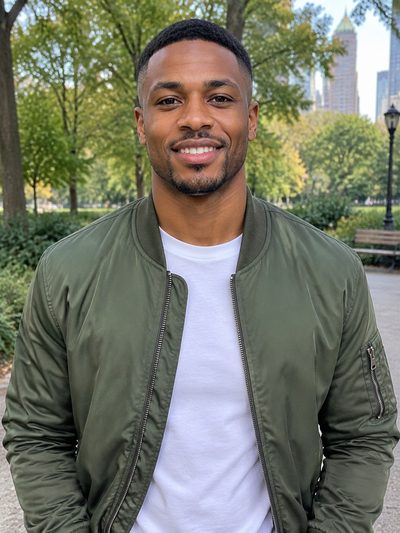
The sax seat
Solo with the keys player in the corner
What the tiny desk AI template locks, and what you cast
A tiny desk AI template, in the sense used here, is one fixed edit of the Outstanding clip with five seats that the AI recasts from your photos. As in a video editor, the structure is set before you arrive, but nothing is pasted on top: each new musician is redrawn inside the moving shot. The product as a whole is described on the tiny desk AI home page.
- Fixed: the roomThe desk, the room, the lighting and every camera move come from the clip. No photo moves the band into your office or garage.
- Fixed: the cutsFive shots, cut at 1.4, 6.7, 13.0 and 16.4 seconds: singer in profile, band, laughing close-up, sax solo, band again. Who appears in each one is mapped on the outstanding tiny desk page.
- Fixed: the soundThe band's own performance of "Outstanding" runs under every version. There is no song swap and no on-screen text; captions go on when you post.
- Yours: lead vocalsThe seat that always needs a photo: the singer side-on at the start and again in the big close-up, turning to the lens and laughing.
- Yours: four optional seatsSax, keys, backing vocals left and backing vocals right take one photo each. A seat you skip keeps its original performer, so the band never shows a gap.
One Outstanding tiny desk template, any cast
These loops come from two separate renders. Camera moves and timing match and only the people differ, which is what a tiny desk template is for. Credits for each version are listed under Tinydesk AI pricing.
Band shot, first cast
From the Full sample: keys and both backing singers, each from its own photo.
The sax solo
The sax seat owns the solo from 13.0 to 16.4 seconds. Standard ends on its first notes; Full plays it through before the band comes back.
Band shot, second cast
From the Standard sample: same angle, same moves, and a different keys player and backing singers from another set of photos.
Filling the tiny desk AI template, step by step
Any phone or desktop browser works; there is no app and no prompt box.
1. Cast the seats
Tap lead vocals and add a photo, then tap any other face you want gone. One adult per photo: sharp, front-on, waist-up or head-and-shoulders.
2. Pick Lite, Standard or Full
Lite uses the lead photo alone. Standard and Full use every seat you filled, and the button shows the credits before anything renders.
3. Render and post
Lite takes about 3 minutes, the longer two roughly 4 to 12. Download the 9:16 MP4 and switch on the platform's AI-generated label. Credits return to your balance if a render fails or is filtered.
Three versions of the same tiny desk AI template
Lite, Standard and Full are trims of one template, not three different videos.
Lite · 4 seconds
Only the big close-up, from the turn through "Outstanding" to the laugh, with your lead-vocals photo and nobody else, in 480p. New accounts get enough credits for one; see tiny desk AI free.
Standard · 10 seconds
A continuous stretch: the end of the band shot, the whole laughing close-up and the opening of the sax solo. Up to five people, 720p, and the music never jumps.
Full · 19 seconds
The whole clip as it went viral, from the opening profile to the closing band shot, so every seat you cast gets screen time. Up to five people, 720p.
Outstanding tiny desk AI template vs CapCut and your own edit
The usual alternative is CapCut: a template somebody published, or an edit you assemble from a copy of the clip. CapCut templates drop your photos or clips into the slots of a finished edit; what one does with a still photo is up to its creator, so watch the preview first. Other routes are weighed in our guide, how to make tiny desk AI video.
| Tinydesk AI templatephotos in, AI recast | CapCut templatemade by its publisher | Your own editCapCut or another editor | |
|---|---|---|---|
| What you bring | One to five photos | Photos or clips for its slots | The clip and editing time |
| New faces inside the moving shots | Redrawn by AI, one per seat | Depends on the template | Needs a separate face-swap step |
| Text, stickers, extra footage | Added as a caption when posting | Where the template has slots | Whatever you want |
| Sound | The clip's own, already in sync | Picked by the publisher | You add it and line it up |
| Length | 4, 10 or 19 seconds | Fixed by the template | Whatever you cut |
Template questions, answered
What is a tiny desk AI template?
It is a ready-made edit of the Outstanding clip where the set, the cuts and the sound are fixed and five musicians can be recast. You add a photo for lead vocals and, if you want, for sax, keys and both backing singers; everyone else stays as filmed.
Is there a CapCut template for the Outstanding Tiny Desk trend?
Creators publish trend templates on CapCut often, so search its template section for "Outstanding" or "Tiny Desk". Watch the preview and check two things: whether it puts your face into the moving shots or lays your photo over them, and whether the sound is included.
How many people fit in the tiny desk AI template?
Five, one per seat: lead vocals, sax, keys, backing vocals left and backing vocals right. Lead vocals is required and the others are optional. Lite shows only the close-up, so it uses the lead photo alone; Standard and Full use every seat you fill.
Can I change the background in the tiny desk AI template?
No. The desk, the room, the lighting and the camera moves belong to the template and come out the same in every render. Only the musicians you replace change, so whatever stands behind you in your photo will not show up behind the desk.
Can one group photo fill several seats?
No. Each seat takes its own photo of one adult, so a group shot cannot cast several people at once and leaves the AI unsure which face you meant. Ask each friend for a clear, front-on selfie of their own instead.
Can I add my own text, lyrics or a different song?
Not inside the render. There is no field for text, lyrics or a prompt, and the sound is always the clip's own performance of "Outstanding". Add a caption or on-screen text in TikTok, Instagram or YouTube after downloading; you can change it there without rendering again.
Is this template made by NPR or CapCut?
No. Tinydesk AI is an independent fan-made tool, not affiliated with NPR, Tiny Desk Concerts, Charlie Wilson or The Gap Band. It is not a CapCut product either: the template is our own edit of the viral clip, built so that the people you choose can take over the band.
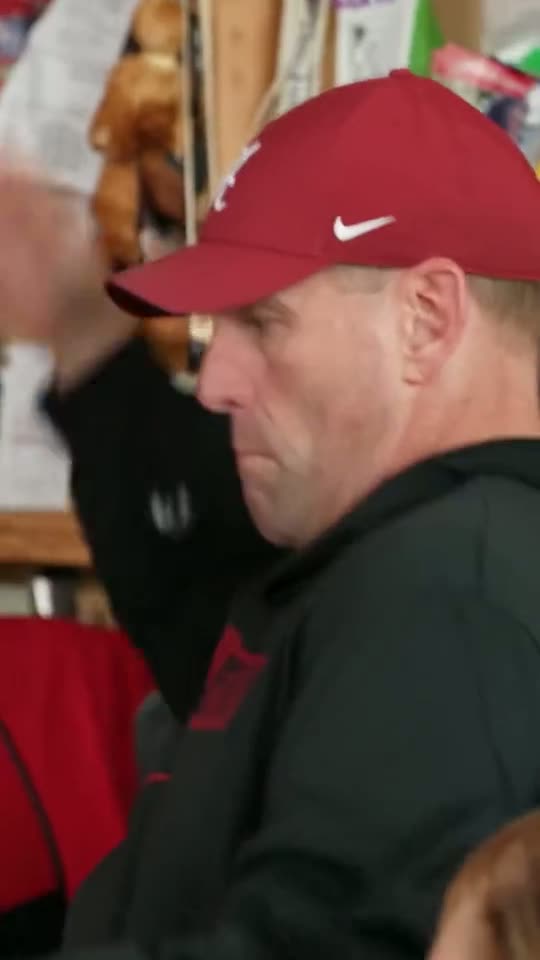
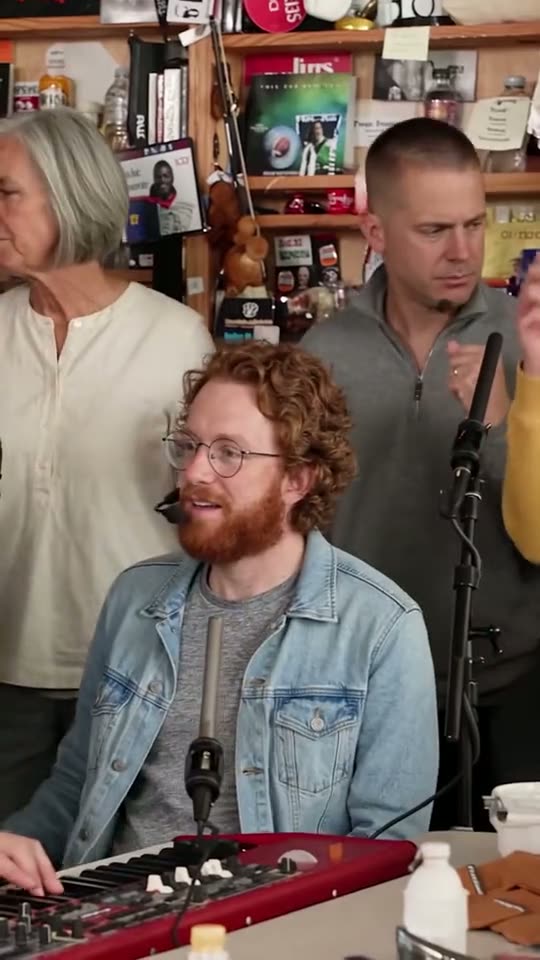
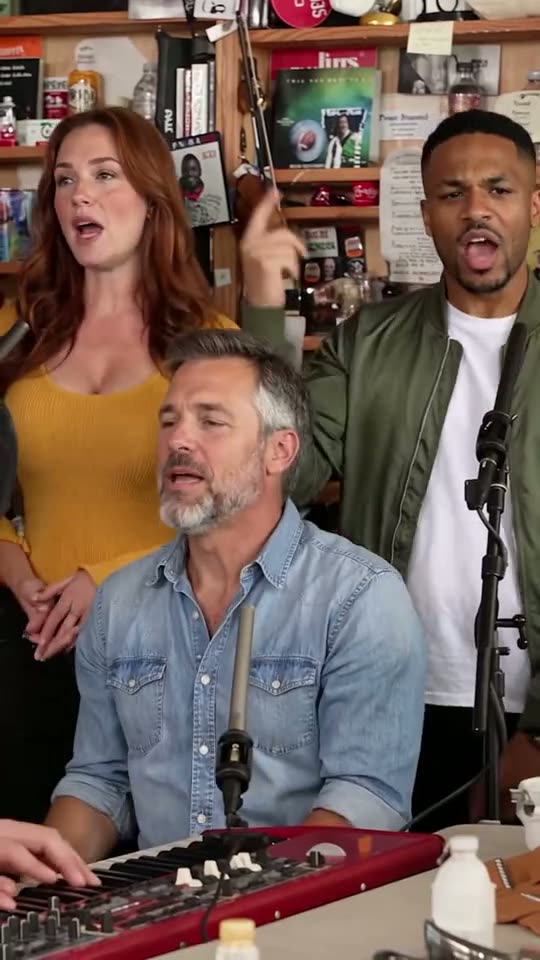
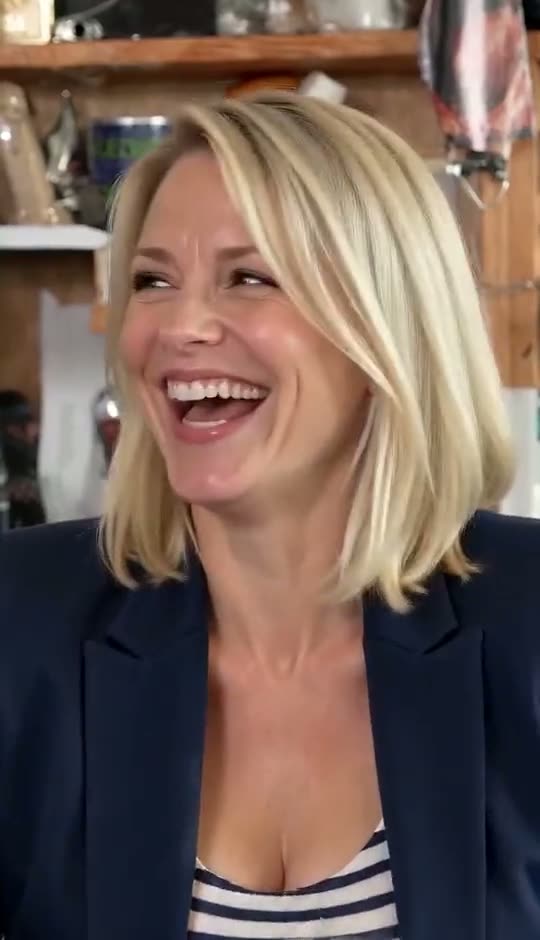
Cast your crew in the tiny desk AI template
The desk, the cuts and the sound are ready. Add the lead photo, bring up to four friends and download the clip minutes later.