
Outstanding Tiny Desk AI Video: Put Your Whole Crew in the Band
Lead vocals
Required
Sax
Not in Lite
Keys
Not in Lite
Backing left
Not in Lite
Backing right
Not in Lite
Tap a face to upload the person who replaces them. Spots you leave empty keep the original performer.
A failed render costs you nothing.
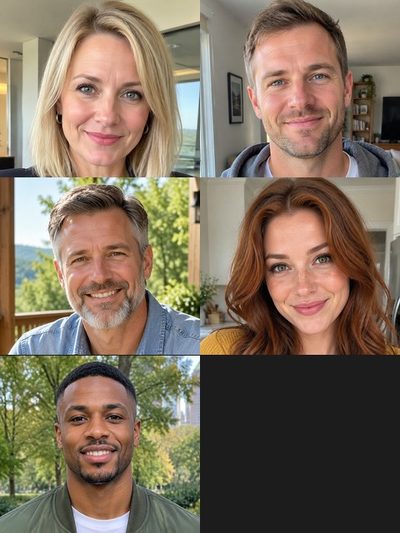
Add a photo, pick a length, then press Generate.
Every shot of a recast Outstanding Tiny Desk clip
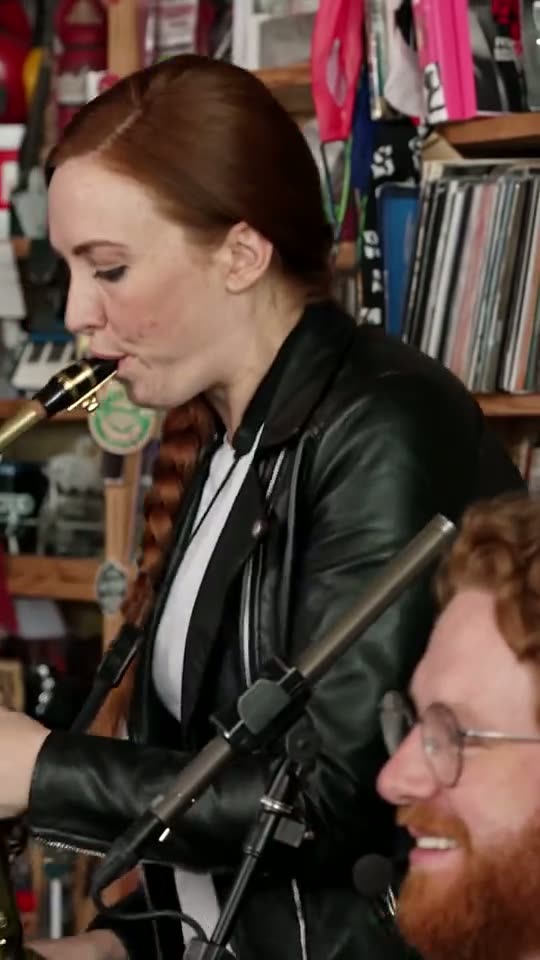
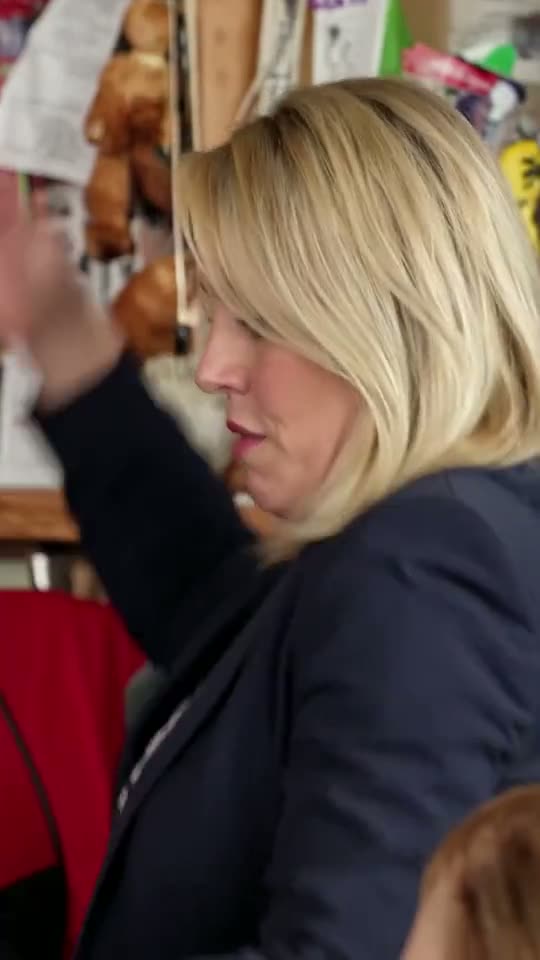
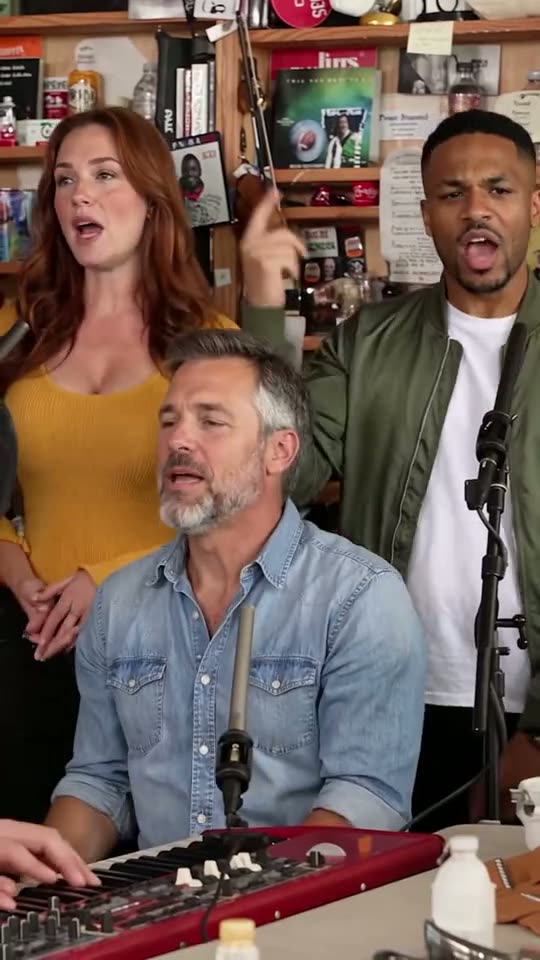
Five pieces of one 19-second Outstanding Tiny Desk render made from AI-generated test portraits, plus the viral edit as posted. Tap for sound.
0–1.4 s · The profile
Lead vocals, side-on

1.4–6.7 s · The band
Keys and both backing singers

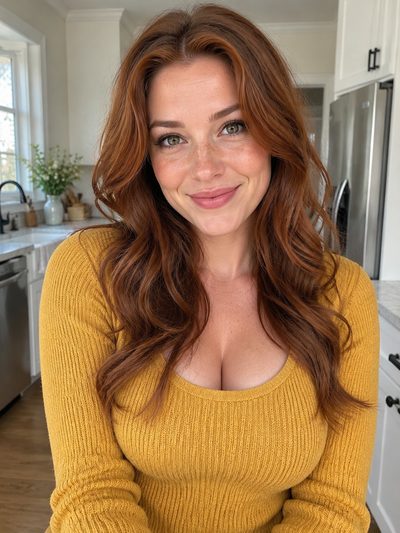

6.7–13 s · The laugh
Lead vocals, close-up
13–16.4 s · The sax solo
Sax, with keys in the corner

16.4–19 s · The band again
Closing wide shot
The viral edit as posted
The original, for comparison
What an Outstanding Tiny Desk AI video changes
An Outstanding Tiny Desk AI video keeps the 19-second performance everyone has seen and changes only who is in it. Each photo replaces one musician; skipped seats keep their original performer. The three versions are compared on the tiny desk AI home page.
- Face, hair and clothes from the photoWhat the person wears in the picture is what they wear on stage. A waist-up shot gives the AI an outfit to copy; a tight selfie leaves it guessing below the chin.
- Five seats, one of them requiredLead vocals needs a photo. Sax, keys and the two backing singers are optional, and each seat in the generator displays the face it replaces.
- Nothing to syncThe file carries the band's own performance of "Outstanding" on the original timing, so the laugh still hits the beat.
- A vertical file, ready to postYou get a 9:16 MP4 for TikTok, Reels or Shorts, made in any browser with no app and no prompt.
The Outstanding Tiny Desk clip, seat by seat
Each of the five shots puts different seats on screen. Lite keeps only the laugh; Standard runs from the end of the first band shot into the sax solo, so all five seats appear; Full plays everything.
Lead vocals: 0–1.4 s and 6.7–13.0 s
Seen side-on in the first 1.4 seconds, the singer comes back for the longest shot: the turn to the camera, the title word and the big laugh. The joke's target goes here.
Keys and backing vocals: 1.4–6.7 s and 16.4–19 s
Both wide shots show the keyboard up front with the two backing singers squeezed in behind. The lead is absent, so the rest of the group owns the screen.
Sax, with keys again: 13.0–16.4 s
The saxophone takes over near the end, and your keyboard player turns up again, blurred in the lower corner. Give the sax to someone who deserves a solo.
Posting your Outstanding Tiny Desk AI clip
Four steps from photos to feed. Common photo errors, and how to rescue a disappointing render, are covered in the guide on how to make tiny desk AI video.
Who to cast in your Tiny Desk Outstanding video
An Outstanding Tiny Desk laugh is funniest on someone with nothing to celebrate: the edit that started the tiny desk meme cast five coaches whose teams had all lost the same Saturday. Put the target of the joke on lead and fill the band with friends who have said yes.
The fantasy league
Last place sings lead; four managers who beat them take sax, keys and backing vocals. Post it in the league chat once scores lock.
The office send-off
The colleague who is leaving takes lead and the team fills the band. Ask everyone first: an unapproved video of a coworker is a bad idea.
The bachelor party
Groom on lead, best man on the sax solo, groomsmen on keys and backing vocals. Engagement portraits are usually sharp and front-on, which suits the AI.
The friend who never laughs
A deadpan face gives the biggest contrast, because the close-up builds to a full laugh. A neutral photo is fine; the clip supplies the expression.
The birthday
The birthday person sings lead while the party planners play behind them, ideally in Full, all 19 seconds.
Yourself, first
Your own video shows how a photo comes out before you cast anyone else, and needs nobody's permission. The first Lite clip costs nothing; see tiny desk AI free.
Outstanding Tiny Desk FAQ
What is the Outstanding Tiny Desk video?
It is a 19-second stretch from the opening of "Outstanding", the 1982 Gap Band hit, as Charlie Wilson sang it to close his 2023 Tiny Desk Concert for NPR Music, cropped to vertical. AI versions swap new faces onto the musicians. Why one word became a punchline is on the outstanding meme page.
How do I put my friends in an Outstanding Tiny Desk AI video?
Tap a seat in the generator at the top of this page and add a photo of the friend who takes it. Lead vocals is required; the other four seats are optional, one photo each. Choose Standard or Full, because Lite shows only the lead.
Which Outstanding Tiny Desk version works best for a group chat?
Standard, usually. Its 10 seconds run from the tail of the band shot, past the laugh, into the sax solo, so every seat you filled appears. Lite is the quick four-second reply when only the lead matters; Full adds the opening profile and the closing band shot.
Do I have to fill all five seats?
No. Only lead vocals needs a photo. Any seat you leave empty keeps its original performer, so you plus one friend on sax still makes a complete band. Add people only where you have a clear photo and their agreement.
What should the caption say?
Name the person and the reason in one line, and use both word orders, "Outstanding Tiny Desk" and "Tiny Desk Outstanding", since people search for both. Never present it as a real NPR performance, and switch on the platform's AI label.
What happens if a render fails?
Nothing is charged. If a render fails or is filtered, the credits return to your balance and you can try again, ideally with a sharper, better lit photo for the seat that went wrong. What each version costs in credits is on the Tinydesk AI pricing page.
Is Tinydesk AI connected to NPR or Tiny Desk?
No. Tinydesk AI is a fan-made, independent tool with no affiliation to NPR, Tiny Desk Concerts, Charlie Wilson or The Gap Band. What it does is recast a short clip with the people you pick. The full concert, "Charlie Wilson: Tiny Desk Concert", is on NPR Music's YouTube channel.
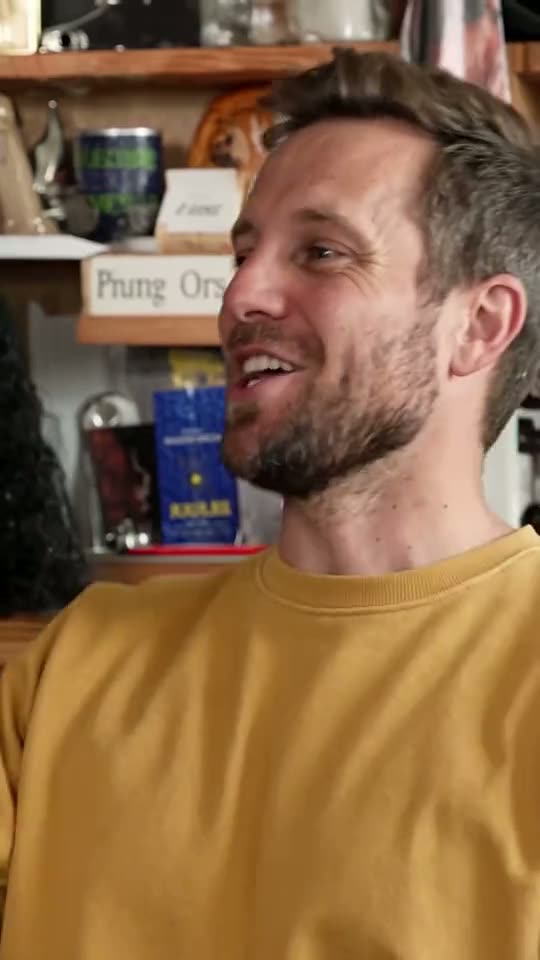
Pick who gets the Outstanding Tiny Desk close-up
Get everyone's yes, add one sharp photo per seat and choose a version. A few minutes later the whole band is yours, and a failed render costs nothing.